Tell it what you like
Build your preferences through room images. RoomVision uses that profile when it compares a listing’s photos.
RoomVision / Preview
The light. The space. The little details. TravelDay’s browser extension compares listing photos with your taste, so it is easier to see what fits.
How it worksRoomVision is built, but a Chrome Web Store download is not available from this page yet. This is a preview of how it works.
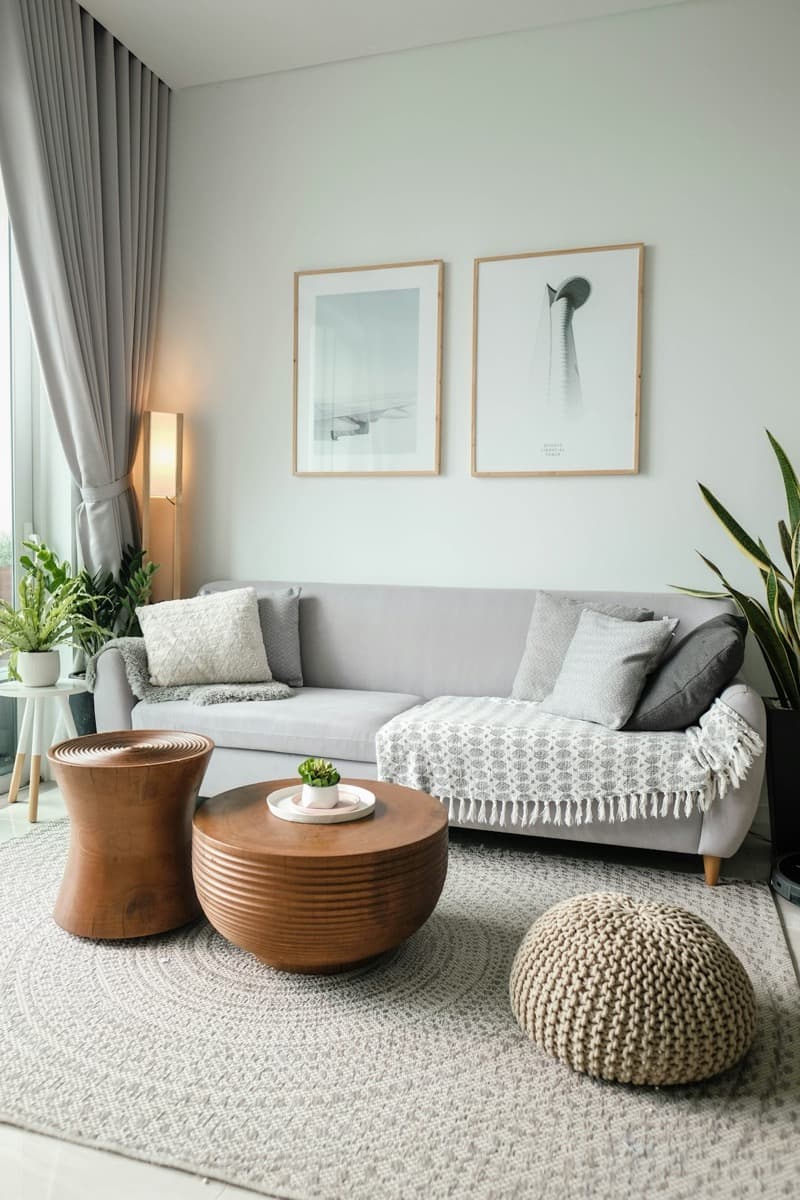
A room can be a good match for one traveler and a poor fit for another.
How it works
Build your preferences through room images. RoomVision uses that profile when it compares a listing’s photos.
The extension reads supported listing pages in your browser and describes room attributes visible in the photos.
Use the match as a starting point. A photo cannot establish cleanliness, service, availability or whether a stay is right for every need.
Know before you use it
Free
400 photos/monthNew photo descriptions count toward the monthly allowance.
Paid plans
1,000 photos/monthPlan allowances follow the same limits shown in TravelDay pricing.
RoomVision reads the listing page your browser has loaded. Listing photos are sent to TravelDay to be described. This is separate from the mobile travel-history scan, which reads your photo metadata on your device.
One TravelDay